// template packNew.zip · 5 files
iOS Liquid Glass UI Kit
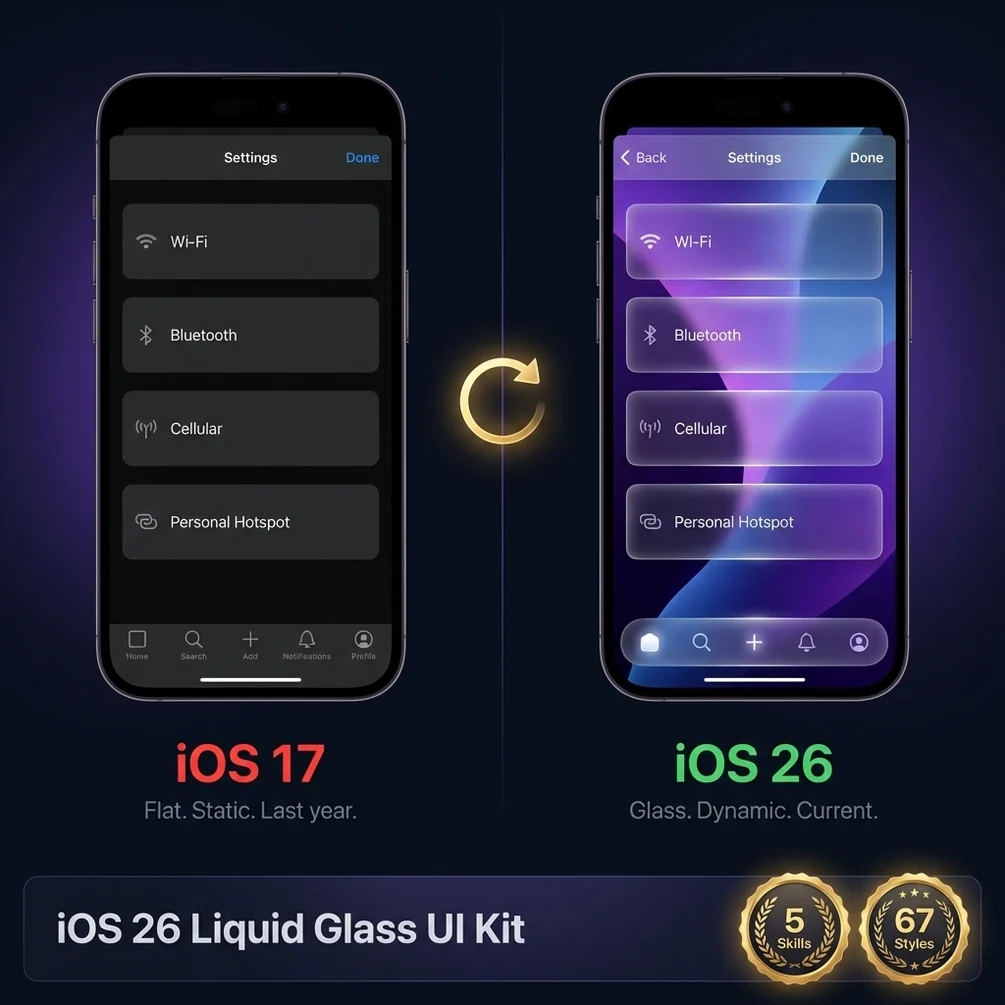
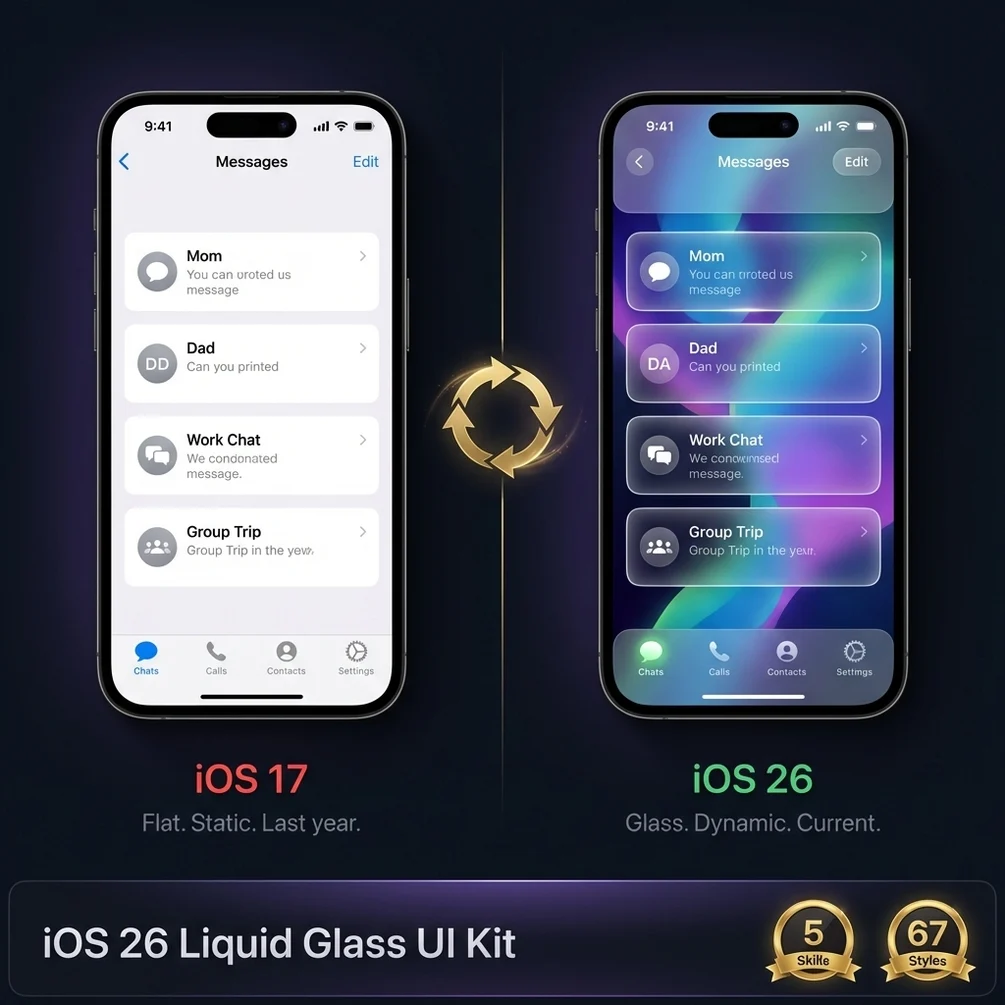
iOS 26 dropped. Your app looks outdated. Fix it this weekend with 67 ready styles.
$29USD · one-time · 5 files
Instant .zip · no subscription · lifetime updates to v1
Checkout
// what ships visually
Pack preview
// what ships in the box
File inventory
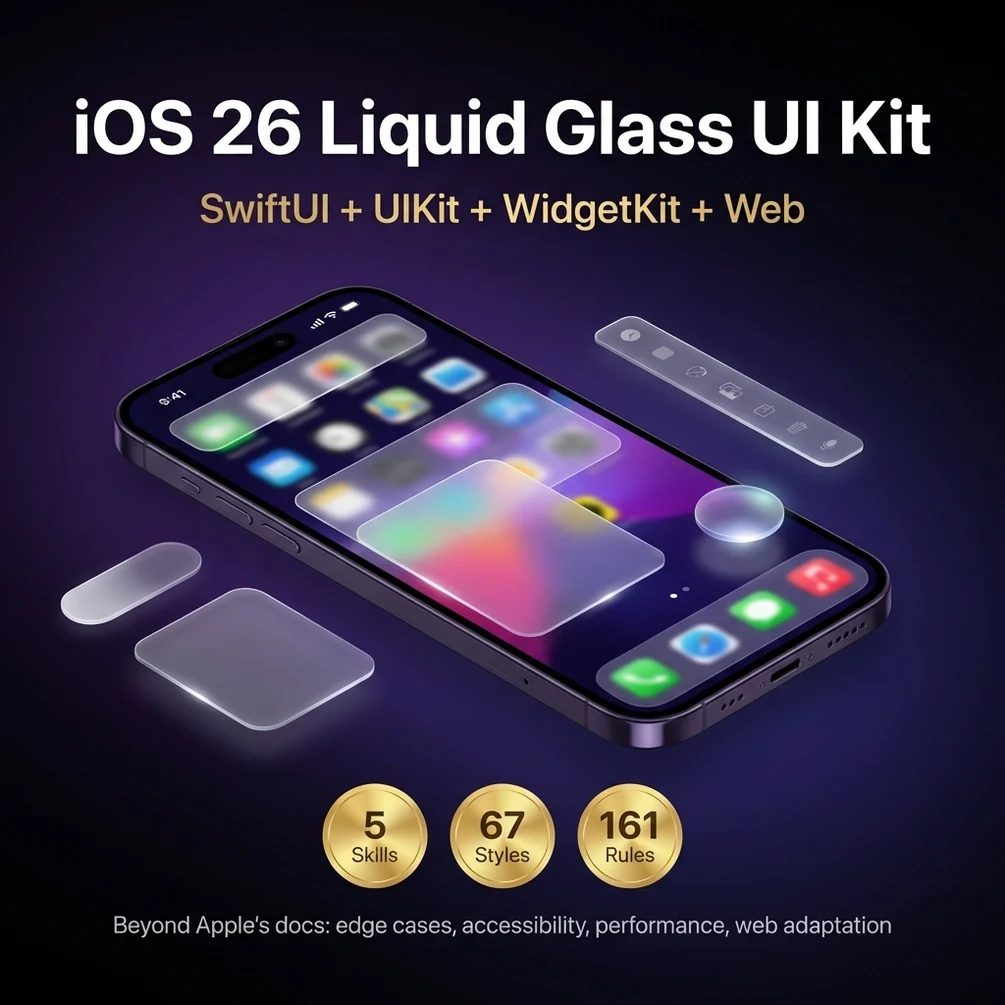
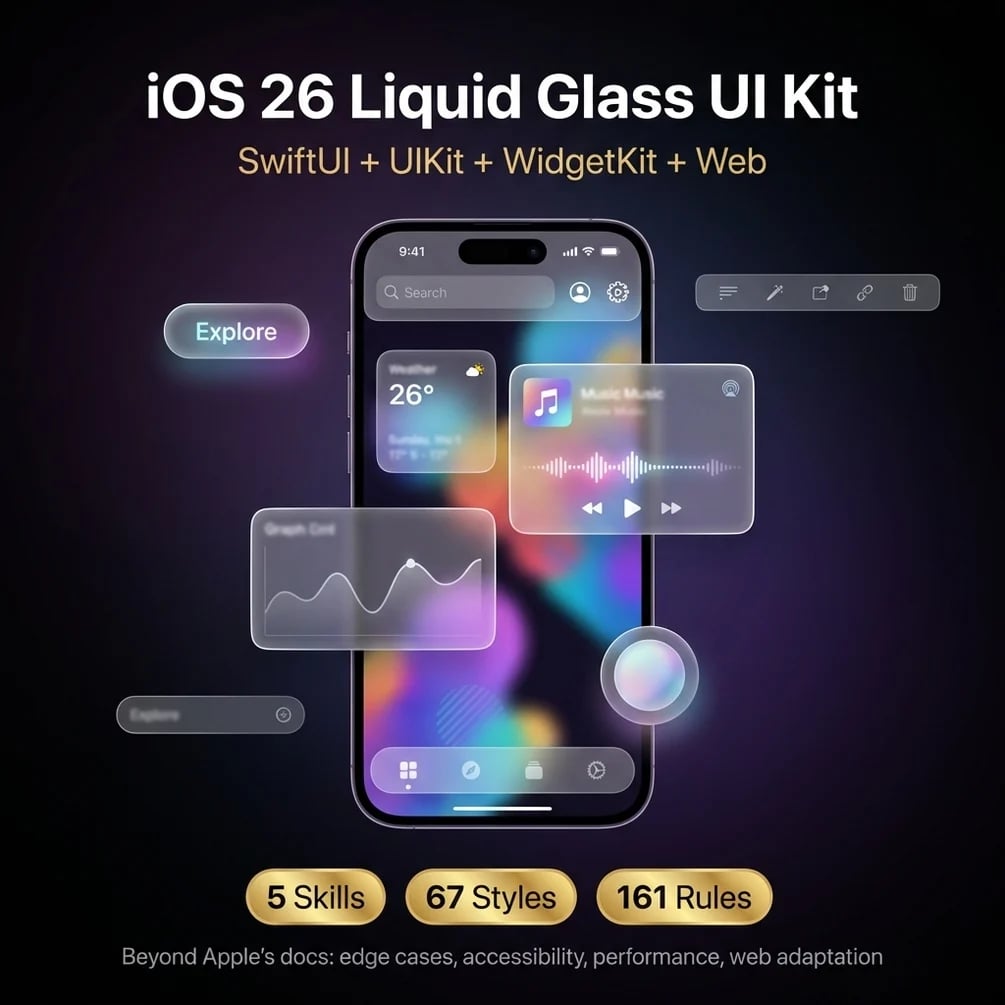
67 UI style variants, SwiftUI and UIKit code, web CSS adaptations, and a design system generator.
| # | file | type |
|---|---|---|
| 01 | 67 Liquid Glass UI style variants — ready to copy and use | .swift |
| 02 | SwiftUI and UIKit code for every variant | .swift |
| 03 | CSS backdrop filter web adaptation for cross-platform use | .css |
| 04 | Design system generator: pick a style and get the full system | .fig |
| 05 | 5 skills covering the full iOS 26 design language | .skill |
// stack used
Tech that ships
- SwiftUI
- UIKit
- iOS 26
- CSS backdrop-filter
- Figma
// who it is for
Built for
iOS developers, web developers, and UI designers who need to adopt the new iOS 26 design language
// the problem
Why this exists
iOS 26 Liquid Glass is everywhere and your app still looks like 2022. Users notice. App Store rankings notice.
// honest
What you do NOT get
- · Custom integration into your codebase. The files drop in cleanly; wiring is yours.
- · Support tickets. Email me with a question and I usually reply same day.
- · A guarantee that every file fits your exact stack. Read the inventory above.
- · Free updates forever. Lifetime updates to v1; major future versions are a discounted upgrade.
// frequently asked
Questions buyers ask
- Do I need Xcode 26 to use these?
- For the SwiftUI Liquid Glass effects to render exactly as designed, yes — iOS 26 / Xcode 26 is the target. The UIKit variants ship with backward-compatible fallbacks for iOS 17 and iOS 18, and the CSS web adaptation works in any modern browser.
- What file format do the variants ship in?
- Each variant is a self-contained Swift file (SwiftUI View or UIKit UIView subclass) plus a matching .css file for the web port. No Xcode project — drop files into your own project. Figma source files are included for the designer review pass.
- Will Apple reject my app for copying the system look?
- No. These variants implement the public Liquid Glass APIs Apple introduced in iOS 26. Using public APIs is exactly what they want third-party apps to do. The kit avoids private API tricks that would risk rejection.
- Does the web CSS version look the same as iOS?
- Close, not identical. CSS backdrop-filter and color-mix get within 90% of the native effect. The remaining 10% — animation curves, gesture responses — is where native still wins. The web port is for marketing pages and dashboards, not full app parity.
- How do I pick variants without going through all 67?
- The design system generator skill takes a product description and outputs the 5-7 variants that fit your app shape. The README also groups variants by use case (cards, sheets, nav, controls) so manual browsing stays quick.
// ready.zip
iOS Liquid Glass UI Kit — $29 one-time.
Download on Gumroad →