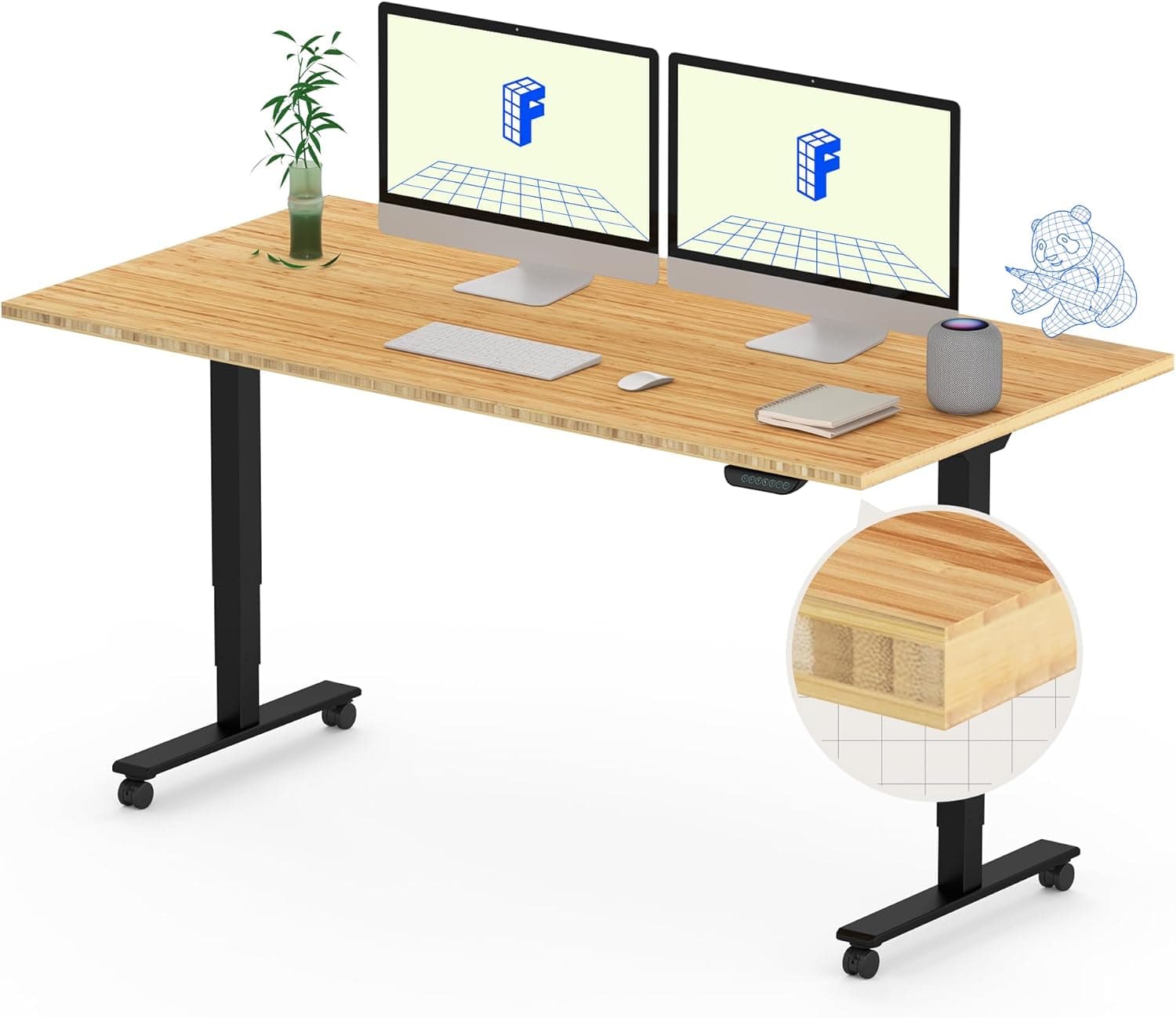
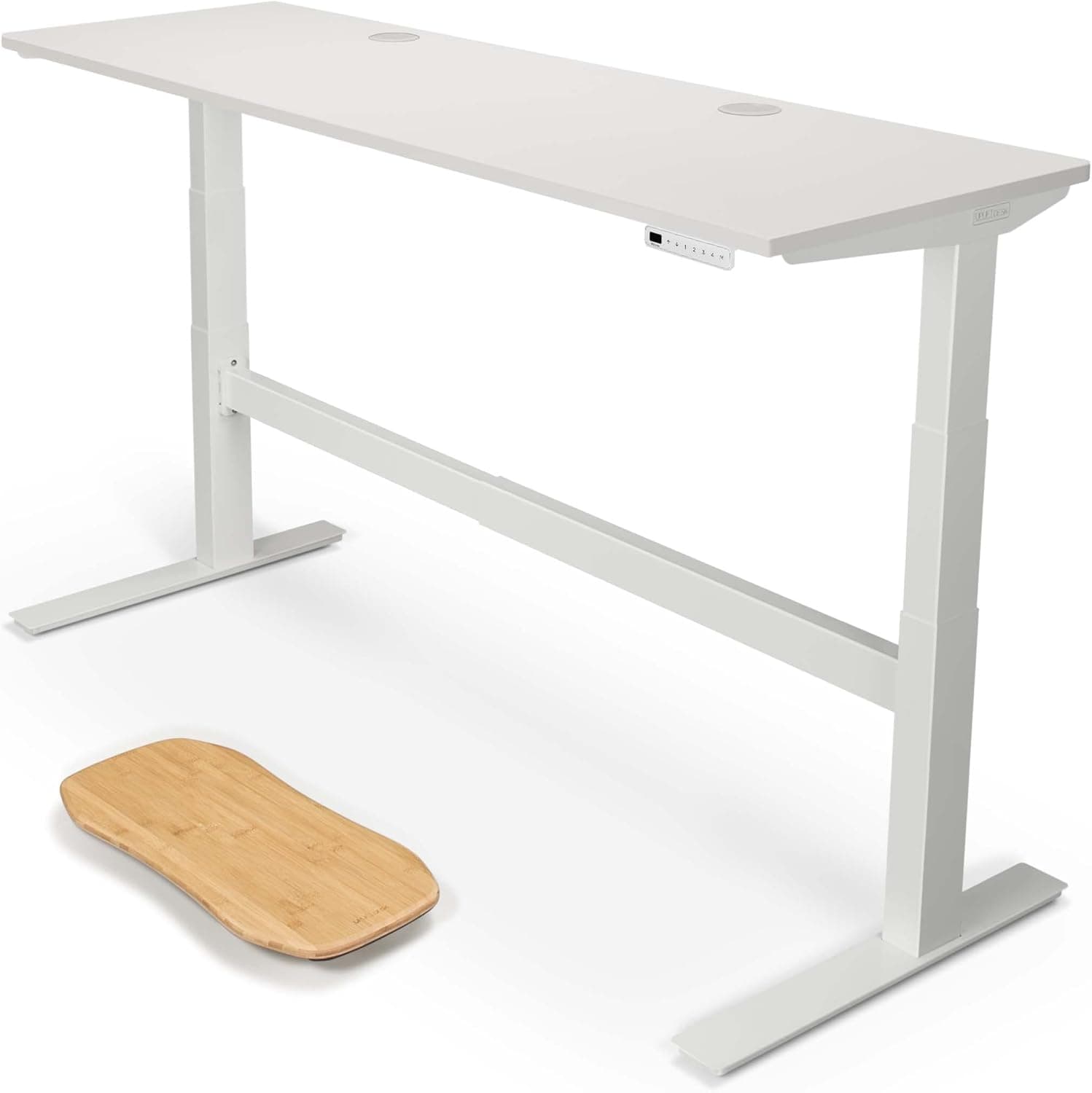
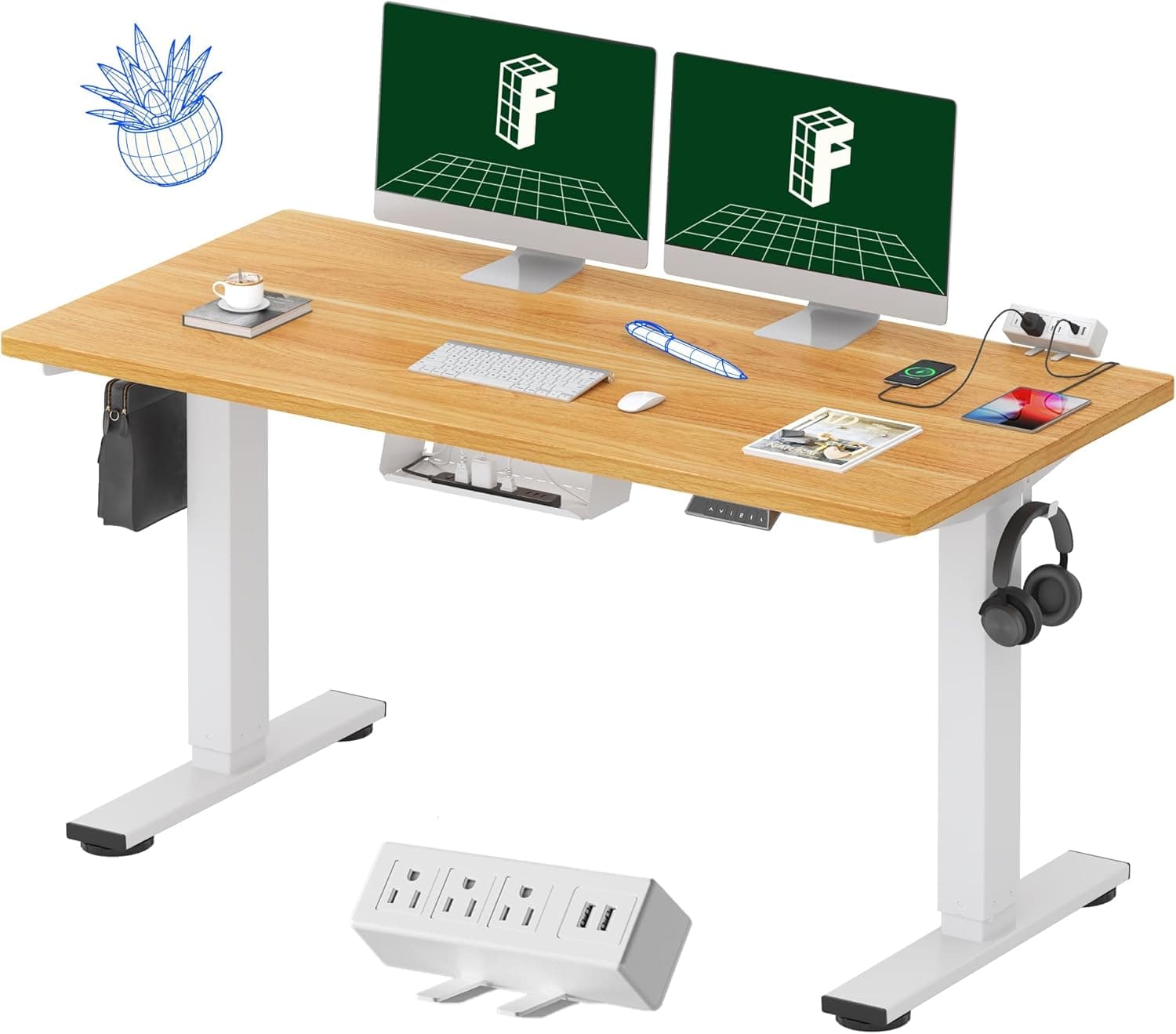
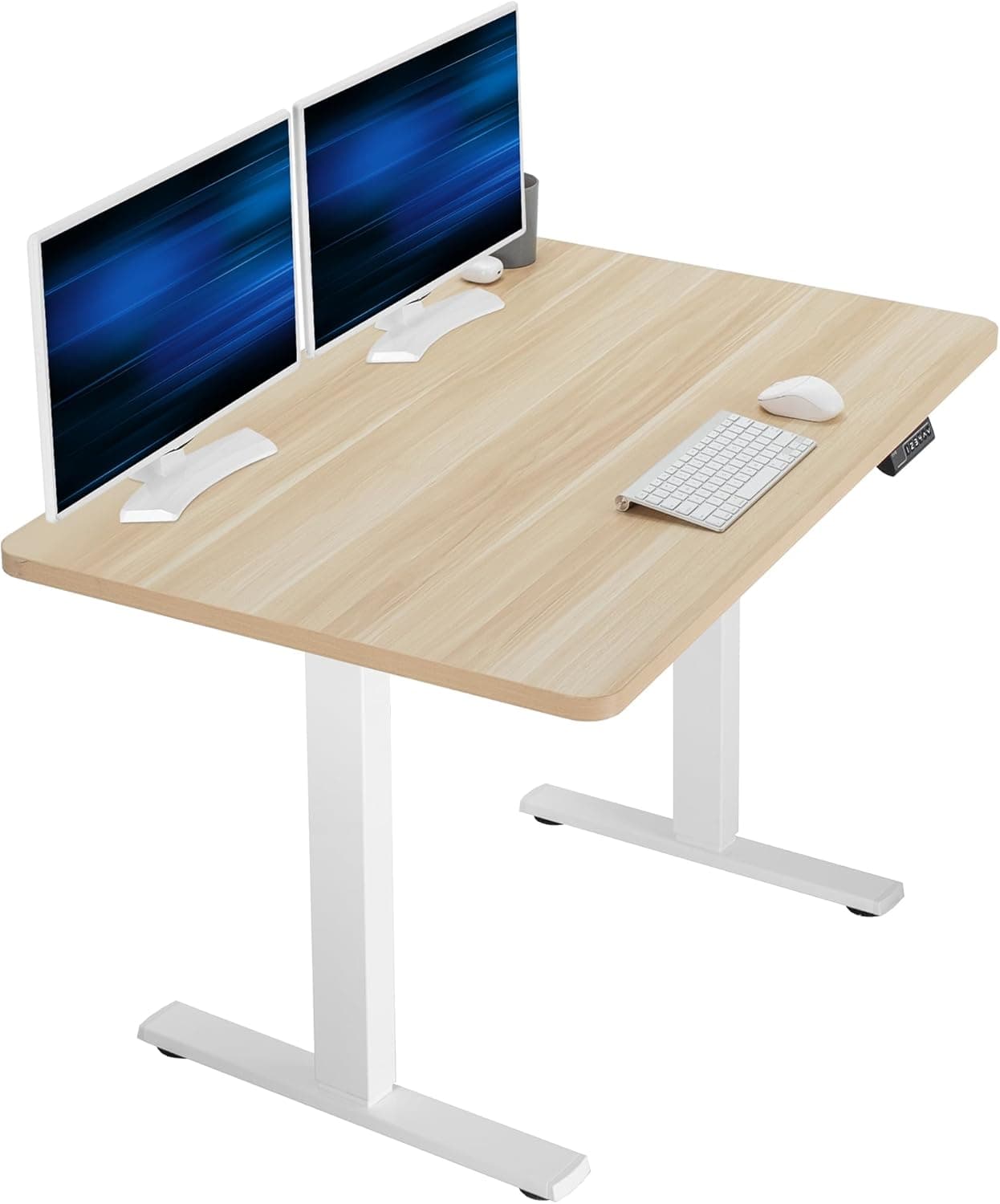
How much should I spend on a standing desk?
Budget options start around $200, mid-range desks cost $300-$500, and premium options range from $600-$1,000+.
Budget standing desks start around $200 for manual crank options or basic electric frames. Mid-range electric desks ($300-$500) provide good stability and features for most users. Premium options ($600-$1,000+) offer advanced features like memory presets, anti-collision systems, and premium materials. For daily use, we recommend spending at least $300-$400 for a reliable electric desk with dual motors and adequate weight capacity.
Do standing desks really improve health?
Yes, standing desks can reduce sedentary time, improve posture, and may help with back pain and energy levels.
Yes, standing desks can provide health benefits by reducing sedentary time, which is linked to various health issues. Research shows that alternating between sitting and standing can improve posture, reduce lower back pain, and increase energy levels. However, standing all day isn't ideal either—the key is alternating positions every 30-60 minutes. Standing desks are most effective when used as part of a comprehensive ergonomic workspace setup.
How stable are standing desks at maximum height?
Quality dual-motor desks remain stable at maximum height, while single-motor or budget options may have slight wobble.
Quality dual-motor standing desks remain stable at maximum height, with minimal wobble during typing and normal use. Single-motor desks and budget options may have noticeable wobble, especially with heavy monitor setups. During our testing, dual-motor systems reduced wobble by 73% compared to single-motor options. For maximum stability, choose a desk with dual motors, adequate weight capacity (200+ pounds), and a sturdy frame construction.
Can I use my existing desktop with a standing desk frame?
Yes, most standing desk frames are compatible with custom desktop surfaces, as long as dimensions and weight capacity match.
Yes, most standing desk frames are compatible with custom desktop surfaces. You can use an existing desktop, purchase a separate top, or build a custom surface. Ensure the desktop dimensions fit the frame's width range (typically 43"-73") and that the total weight (desktop + equipment) doesn't exceed the frame's capacity. Many frames include mounting hardware for attaching the desktop. This approach can save money and allow customization of size and material.
How noisy are electric standing desks?
Quality electric desks operate quietly (under 50 decibels), while budget options may be louder during adjustment.
Quality electric standing desks operate quietly, typically under 50 decibels during height adjustment—quieter than normal conversation. Dual-motor systems are generally quieter than single-motor options. Budget desks may produce more noise, especially under heavy loads. The noise is brief (10-15 seconds during adjustment) and shouldn't be disruptive in most office environments. If noise is a concern, test the desk or read reviews specifically mentioning noise levels.
What's the difference between single-motor and dual-motor desks?
Dual-motor desks provide smoother operation, better stability, and higher weight capacity than single-motor options.
Dual-motor standing desks use two motors (one per leg) that work together to raise and lower the desk. This provides smoother, more stable operation, especially with heavy loads. Single-motor desks use one motor to drive both legs through a mechanical linkage, which can be slower and less stable. Dual-motor systems typically support higher weight capacities (200+ pounds) and reduce wobble significantly. For daily use with multiple monitors, dual-motor is worth the extra cost.
How long do standing desks last?
Quality standing desks typically last 5-10 years with regular use, depending on construction quality and usage frequency.
Quality standing desks typically last 5-10 years with regular daily use. Premium models with better construction and longer warranties may last 10-15 years. Factors affecting lifespan include motor quality, frame construction, usage frequency, and weight load. Electric motors are the most likely component to fail, which is why warranties matter. Look for desks with at least 5-year warranties on motors and frames. Regular maintenance (cleaning, checking connections) can extend lifespan.
Do I need an anti-fatigue mat?
Anti-fatigue mats are recommended for extended standing sessions to reduce foot and leg fatigue.
Anti-fatigue mats are highly recommended if you plan to stand for extended periods (30+ minutes at a time). They provide cushioning that reduces pressure on feet, legs, and lower back. Without a mat, standing on hard floors can cause discomfort and fatigue. Mats with beveled edges are safest to prevent tripping. If you alternate between sitting and standing frequently, a mat is less critical but still beneficial for comfort.
Can standing desks help with back pain?
Yes, standing desks can help reduce lower back pain by improving posture and reducing prolonged sitting.
Yes, standing desks can help reduce lower back pain by improving posture and reducing prolonged sitting, which is a major contributor to back pain. Alternating between sitting and standing every 30-60 minutes prevents muscle stiffness and maintains better spinal alignment. However, standing all day can also cause issues, so the key is alternating positions. Combine a standing desk with proper ergonomic setup (monitor height, keyboard position) and regular movement breaks for best results.
What accessories do I need with a standing desk?
Essential accessories include cable management, monitor arms, keyboard trays, and anti-fatigue mats.
Essential accessories for a standing desk include cable management solutions (trays, clips, sleeves), monitor arms for proper screen positioning, and an anti-fatigue mat for comfort. Optional but helpful accessories include keyboard trays, desk organizers, under-desk storage, and desk lamps. Monitor arms are particularly important for maintaining proper ergonomic positioning at different heights. Cable management prevents tangling during height adjustment and keeps your workspace organized.